Back to Projects
Workspaces
A comprehensive personal developer workspace management system for managing multiple development workspaces.
Rust 1 0egui
Workspace Manager
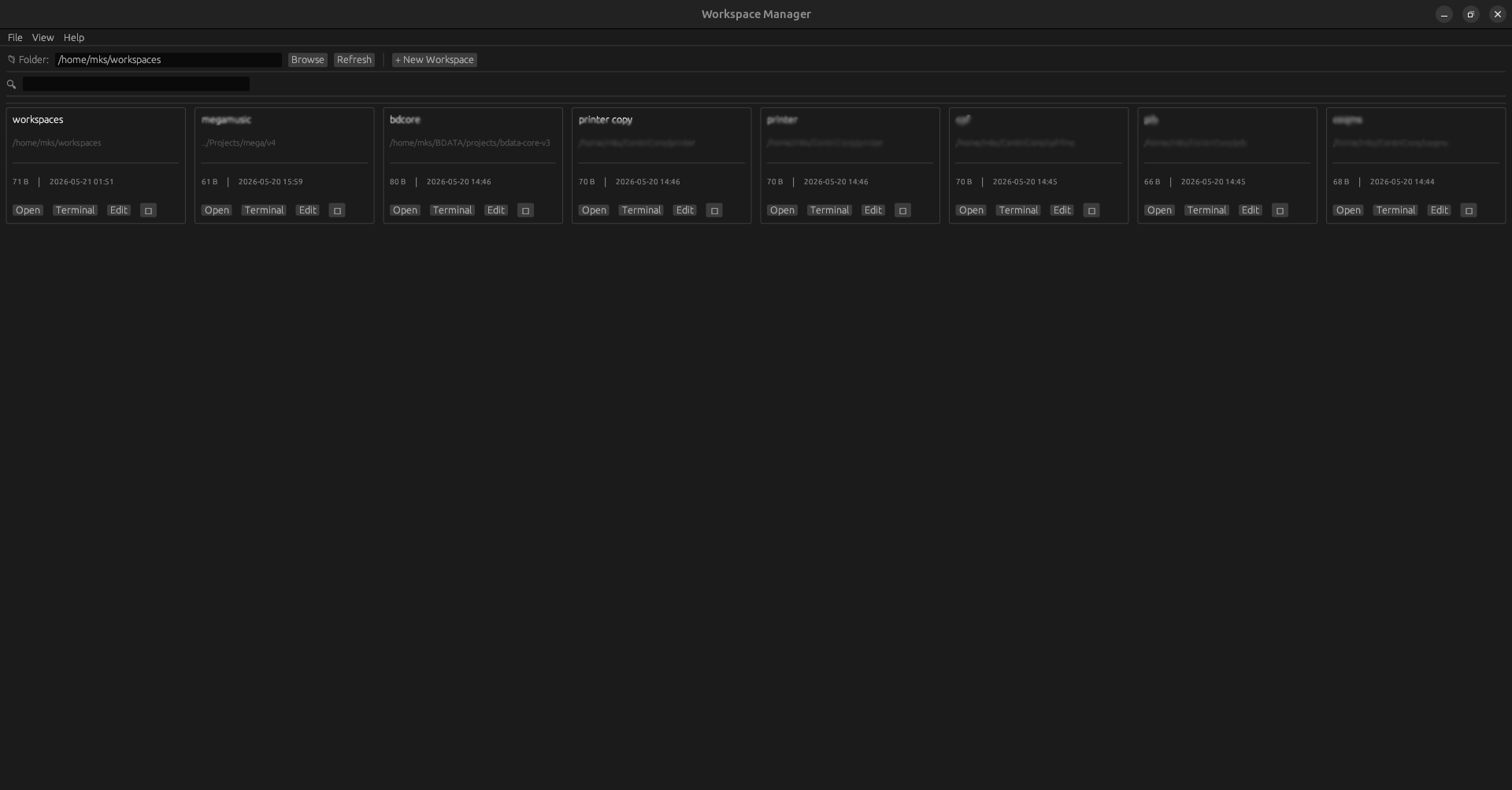
A cross-platform desktop application to manage .code-workspace files with a clean GUI.
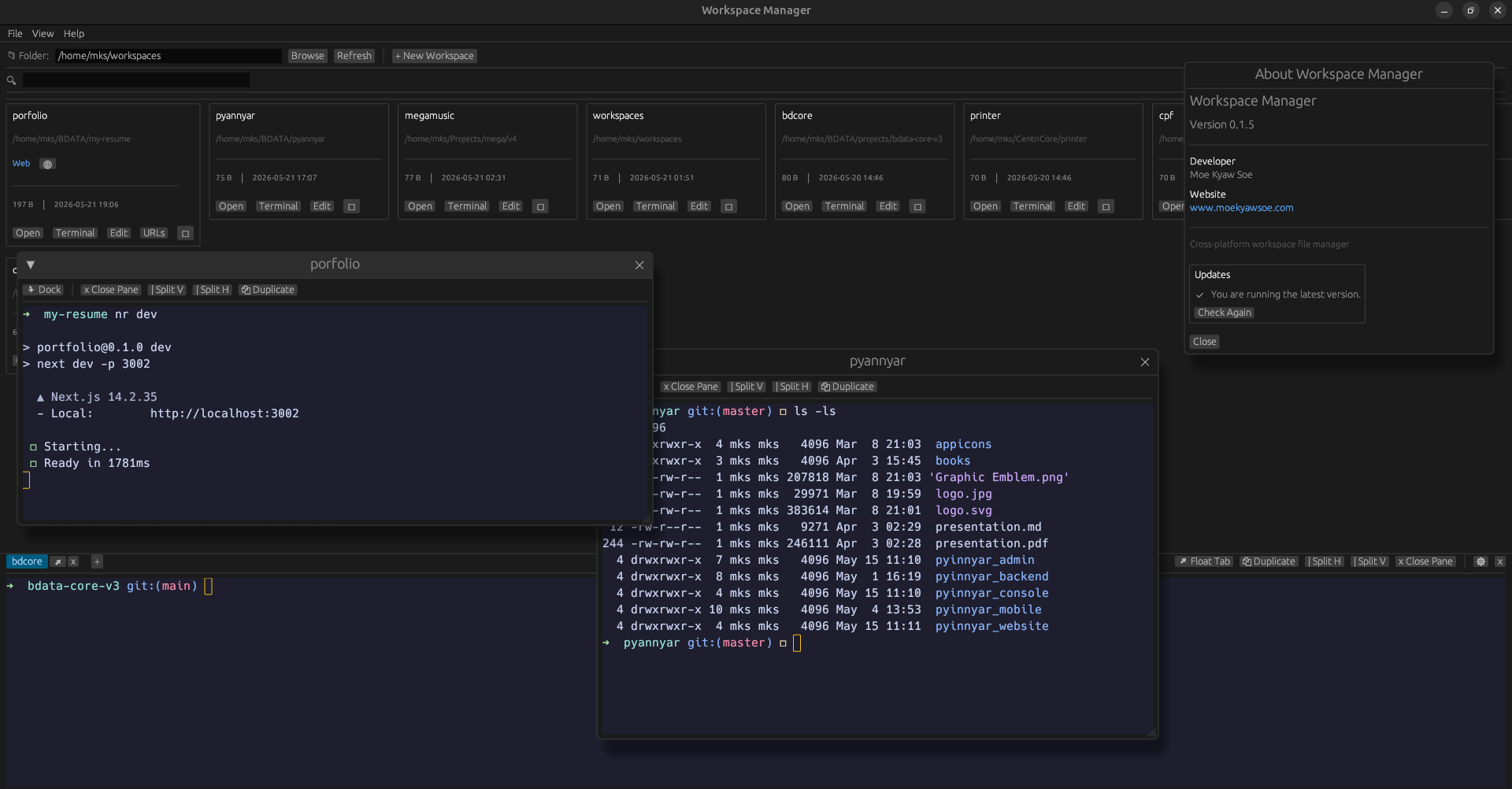
Preview
Features
- Create, edit, and delete workspace configurations
- Open workspaces with your preferred editor
- Built-in Terminal Improvements:
- Full mouse-wheel scrolling and keyboard navigation (
PageUp/PageDown) through the scrollback buffer - Right-click context menu for Copy/Paste (prevents selection crashes and frees up shortcuts)
Ctrl+Cworks as standard terminal interrupt (SIGINT)
- Full mouse-wheel scrolling and keyboard navigation (
- Auto-Updates: Built-in self-updater checks, downloads, and installs updates seamlessly directly from GitHub Releases (across Linux
.deb, macOS.dmg, and Windows.zip) - Statically Linked Windows Build: The Windows
.exestatically links the VC++ Runtime (CRT), meaning it runs out-of-the-box without requiring Visual C++ Redistributable (VCRUNTIME140.dll) - Quick terminal access from workspace folders
- Search and filter workspaces
- Cross-platform support (Linux, macOS, Windows)
Downloads
| Platform | Format | Download |
|---|---|---|
| Linux | .deb | Download |
| macOS | .dmg | Download |
| Windows | .exe | Download |
Installation
Linux (.deb)
sudo dpkg -i workspace-manager-*.deb
sudo apt-get install -f  # Install dependencies if needed
macOS (.dmg)
- Download the
.dmgfile - Open it and drag Workspace Manager to your Applications folder
Windows (.exe)
- Download the
.zipfile - Extract and run
workspace-manager.exe
Building from Source
cargo build --releaseOr use the platform-specific build scripts:
# Linux
bash build-linux.sh

# macOS
bash build-macos.sh

# Windows
build-windows.bat
About
- Developer: Moe Kyaw Soe
- Website: www.moekyawsoe.com
License
This project is open source.